Software Maintenance, Inc. provides computer systems and training to Veterans
by authorization of the
Independent Living Program offered by the Office of Veteran
Affairs. Application for Independent Living
Program
(Form 28-1900)
We provide 24/7 unlimited phone and e-mail support to our clients.
This site is dedicated to those individuals listed on the left. It has
been my honor and pleasure to work with each and every one of them. Among them they
represent Veterans of WWII, Korea, Vietnam, and the Gulf wars.



Below are a few of the Service Ribbons of the Group

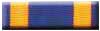


Bronze Star
Air Medal Purple Heart POW

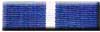


WWII Victory
Korea
Vietnam
Kuwait
Presidential Unit Citation
Listing
of medals
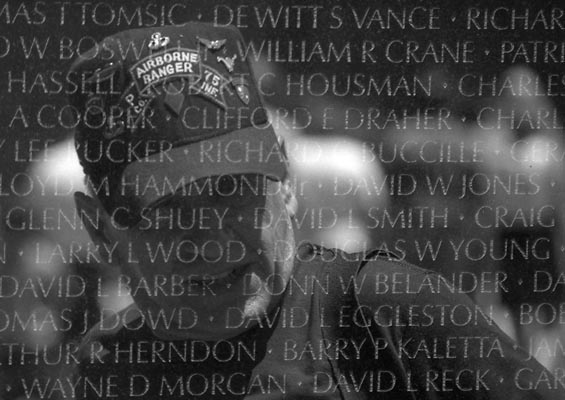
"Ranger Team 1-6 Remembered" -
Garry Norton 2005

Click here to e-mail David Levy
Your host and instructor. This picture of David Levy was taken at Len
Johnson's house in 2003.

Picture taken at Wendell Thomas's house 5/06
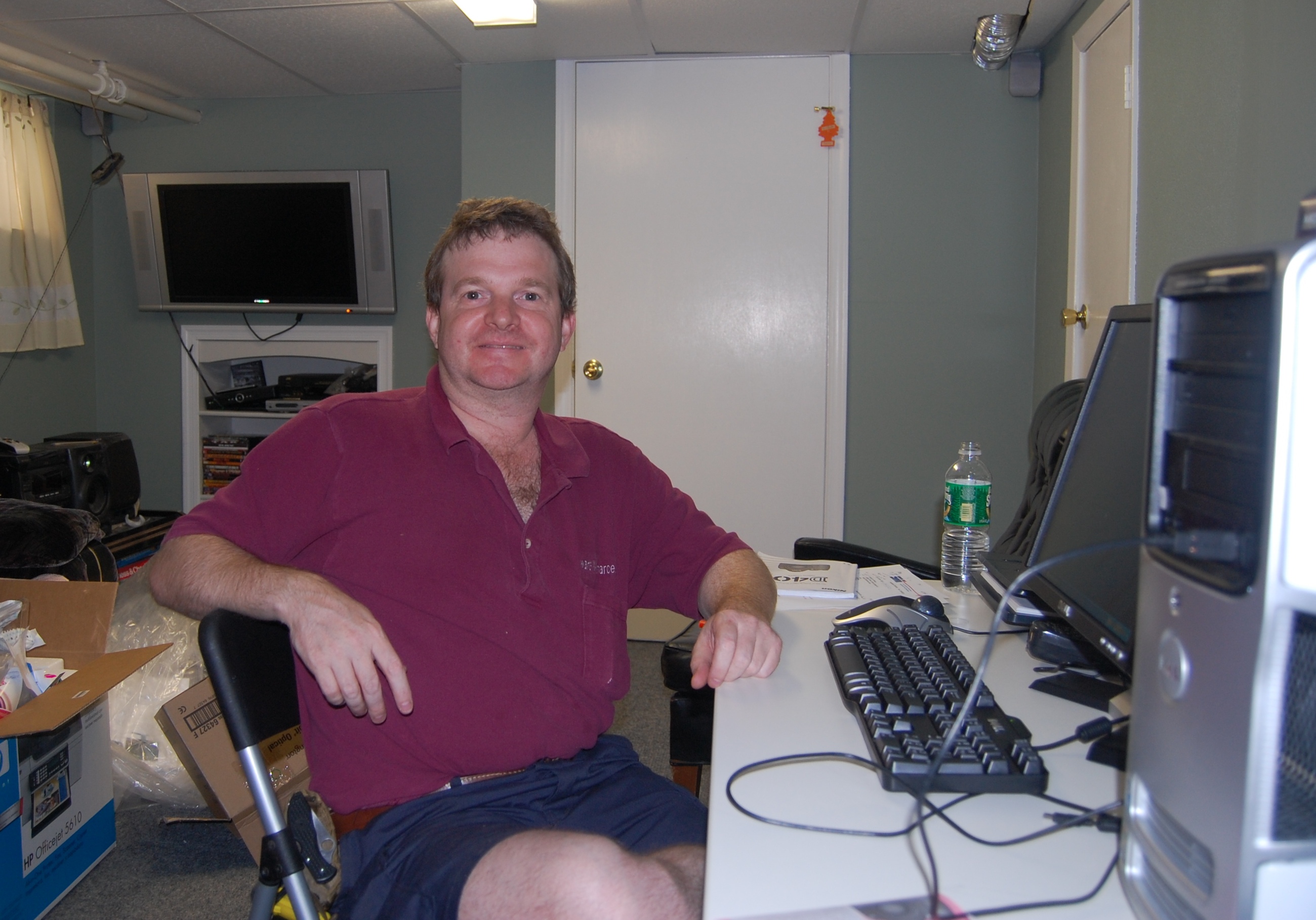
Picture taken at Tony Best's house 6/23/07
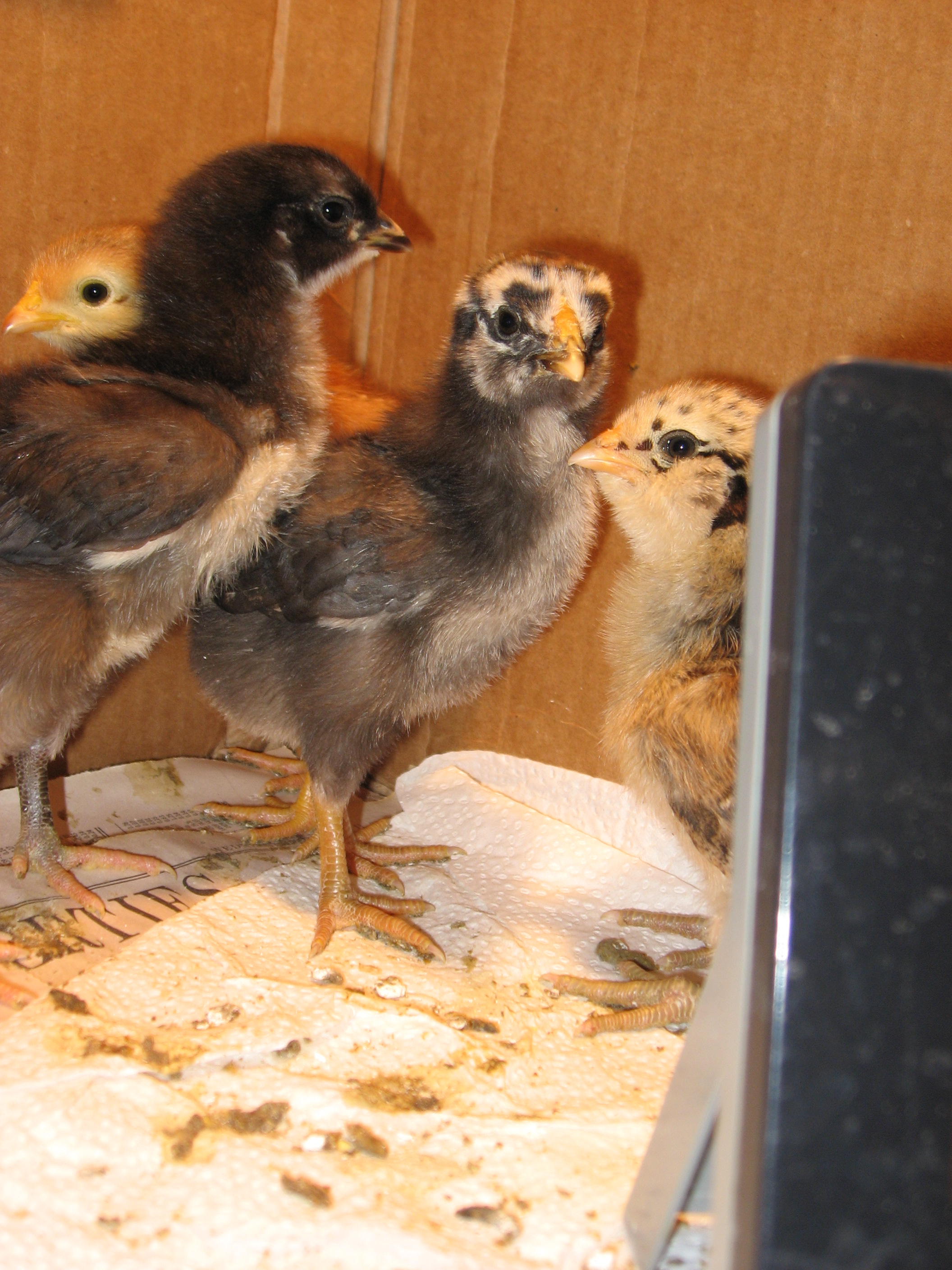
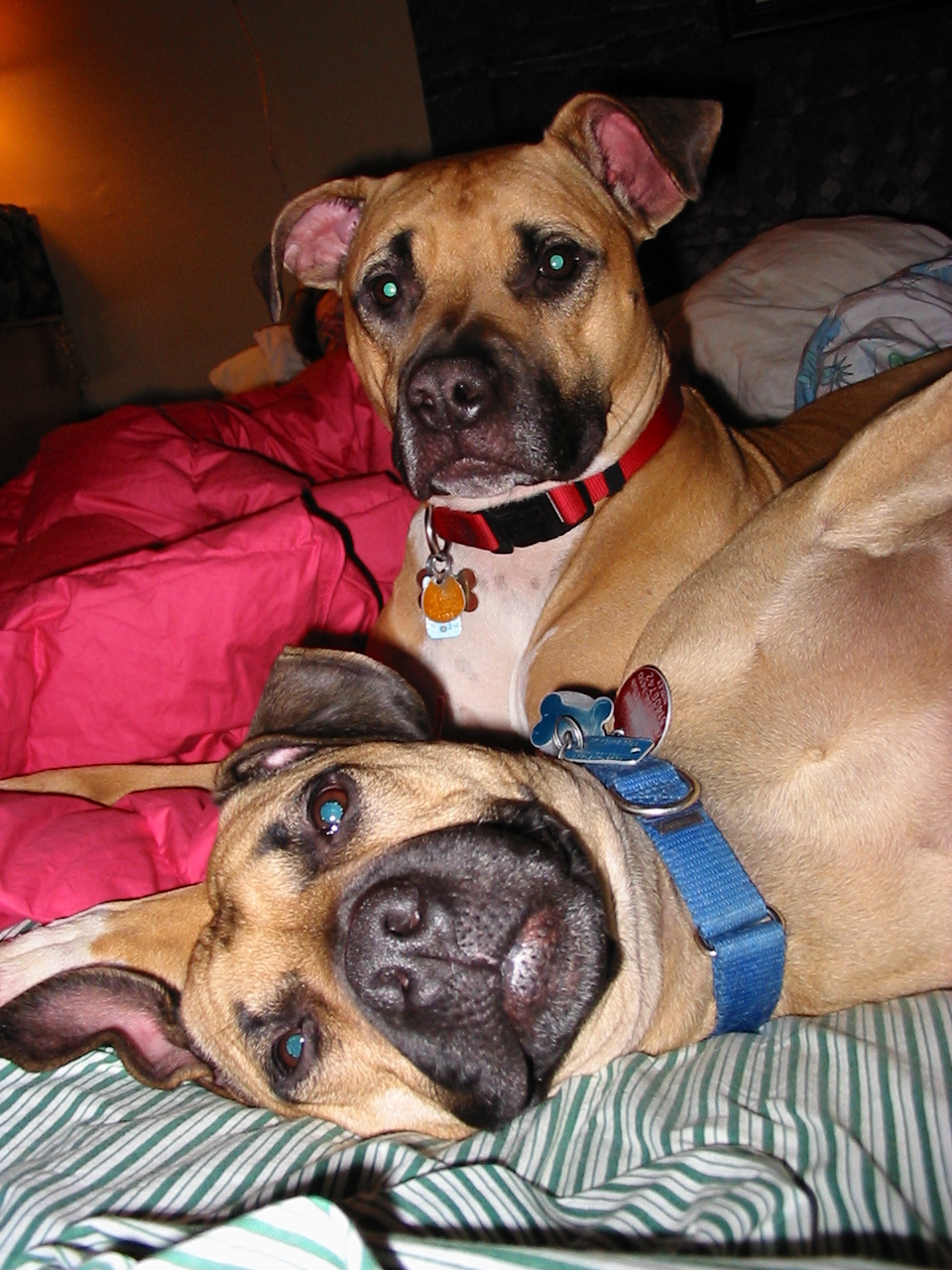
Our "other" Staff, past and present:
Chickens heads L-R: Capers, Grandma Levy, Marie, and Frittata
Dogs: Petals (up), Dudley (head down)
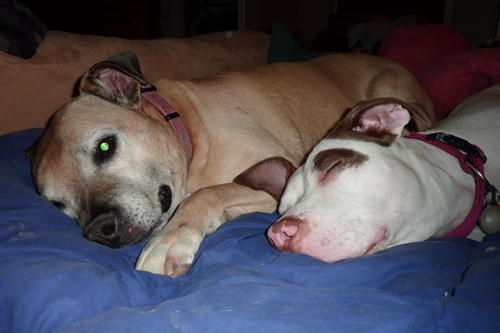
Petals and Peaches
Important phone numbers and settings:
DELL Technical Support 1-866-876-3355 or 866-461-3355 (6/07)
HP Technical Support 1-800-474-6836
Verizon Technical Support 1-800-567-6789
pop server: incoming.verizon.net
SMTP server: outgoing.verizon.net)
address for cable modem is http://192.168.1.1/
Other possible setting:
10MB half duplex Netbios disabled
Verizon portal
Verizon pre-paid broadband, 888-294-6804 automated payment, option #1,
ActionTec wireless modem change username password to admin / admin / admin or admin / modem serial number
MSN Premium Service: Use the above Verizon settings.
VersaLink_7500_User_Guide
Problems with Cloudmark
Verizon YAHOO:
User name settings
Your user name (for example, username@verizon.net)
Your password (for example, password1)
DSL settings
Domain: dsl.verizon.net
Network protocol used: TCP/IP
Mail server settings
Incoming mail server (POP3):
incoming.yahoo.verizon.net
Outgoing mail server (SMTP):
outgoing.yahoo.verizon.net
Your user name
Your password
SMTP port 587 no SSL or TSL
Verizon setting as of 12/11:
- Incoming mail server (POP3): incoming.verizon.net
- Incoming Server Port Numbers: 995
- Outgoing mail server (SMTP): outgoing.verizon.net
- Outgoing Server Port Numbers: 465
- Make sure SSL encryption is enabled for the incoming and outgoing mail server.
Comcast Technical Support 1-888-793-9800
abuse@comcast.net, 856-317-7272
Router address:
10.0.0.1
admin
password
pop server: mail.comcast.net
SMPT server: smtp.comcast.net)
Arris Wireless Gateway: (1/12)
Try http://10.0.0.1 to gain access to the control functions. This can be done wirelessly. admin / password . You may need to use Password
arris wireless gateway manual
Other
settings:
Comcast SSL setting: incoming port 995
outgoing port 465 SSL or 587 TLS
Comcast normal setting: incoming 110 outgoing
25Use ports 587 and 110
(or 465 and 995 if you use SSL)- comcast
Downstream: 17600 kbps Upstream: 1000 kbps:
This translates into about 2000 KB/sec maximum transfer rate when you are
downloading and about 125 KB/sec maximum transfer rate when you are uploading.
Downstream: 17600 kbps Upstream: 2000 kbps: This
translates into about 2000 KB/sec maximum transfer rate when you are downloading
and about 250 KB/sec maximum transfer rate when you are uploading.
Gmail settings:
pop server: pop.gmail.com
SMPT server: smtp.gmail.com
SSL required: incoming (POP) port 995, use SSL. Outgoing (SMTP) port
587, use TSL
Gmail IMAP
Incoming Mail
imap.gmail.com
993 SSL
Outgoing Mail
smtp.gmail.com
465 SSL or 587 TLS
Comcast Cable
Modem Signal Levels:
If the above steps have not resolved the connection issue, try viewing your
modems status page and compare the signal levels to the following:
Downstream Power Level: -15dBmV to +15dBmV is the extreme limits that
your modem should be able to operate within but ideally this should fall between
-10dBmV and +10dBmV
Downstream Signal to Noise Ratio (SNR): This number is best over 35dB,
but you may not have any problems with down to 33dB. Anything less and you will
probably have slow transfers, dropped connections, etc.
Upstream Power Level: Ideally this should be within the 30dBmV to
50dBmV range. If it is between 50-55dBmV, you are approaching the upper-limits
but should still be able to operate. If this is above 55dBmV or below 30dBmV,
you will likely start to see frequent disconnects or modem reboots.
Upstream Signal to Noise Ratio (SNR): Anything above 29 is considered
good. The higher this number is, the better. If this number is below 25 and 29,
you have a minute amount of noise leaking in somewhere. If it's anything less
than 25, you want to get it fixed as you may have a lot of packet loss or slow
transfer rates. note: you will need to contact customer support to find out
the value of this signal level as it is not available via the cable modem status
page
Upstream Receive Power: Ideally this number should fall within the
-10dBmV and +10dBmV range. note: you will need to contact customer support to
find out the value of this signal level as it is not available via the cable
modem status page
How to disable dumprep.exe:
- Right click on My Computer, choose Properties from that
menu.
- Click on Advanced tab,
- Click the Error Reporting button.
- Check the Disable error reporting box. You may choose to
uncheck the the box below it, But notify me when an error
occurs, if desired.
Comfort House 800-359-7701
Global 800-220-1900
A few pictures of my 2004 Alaskan cruise below:



Founding Documents:
National Archives
"If we are strong, our strength will speak for itself. If we are weak, words
will be of no help." From the address President Kennedy never got to
deliver in Dallas November 22, 1963
"Weakness is provocative. Time and again it has invited adventures that strength might well have deterred." Donald Rumsfeld
"Predictable is preventable." Gordon Graham
"If you can, find that peace within yourself, that peace and quiet and confidence that you can pass on to others, so that they know that you are honest and you are fair and will help them, no matter what, when the chips are down." Richard "Dick" Winters in an interview August 2004, American History Magazine
"Never, Never, Never Give Up" Winston Churchill
We are prepared to surrender when we are unprepared to resist.
The
Supreme Court holds that the Second Amendment protects an individual right to possess a firearm
unconnected with service in a militia, and to use that arm for traditionally
lawful purposes, such as self-defense within the home.
"Will you hold your breath, or hold the Line?" - JR
In this Country nothing trumps freedom of speech. Not fear, not political correctness.
The answer to any perception of "hate" speech is not less speech, but more speech.